
Working demo
Restaurants: online orders and bookings
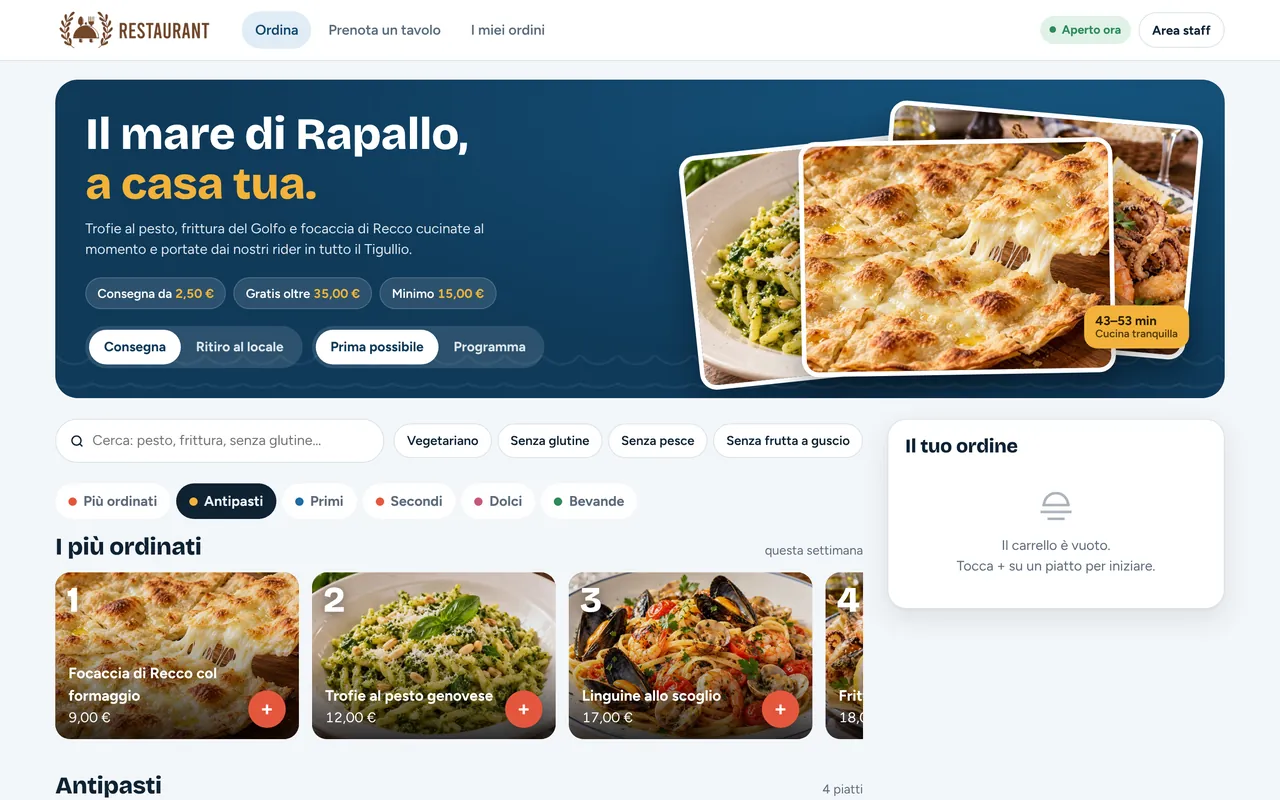
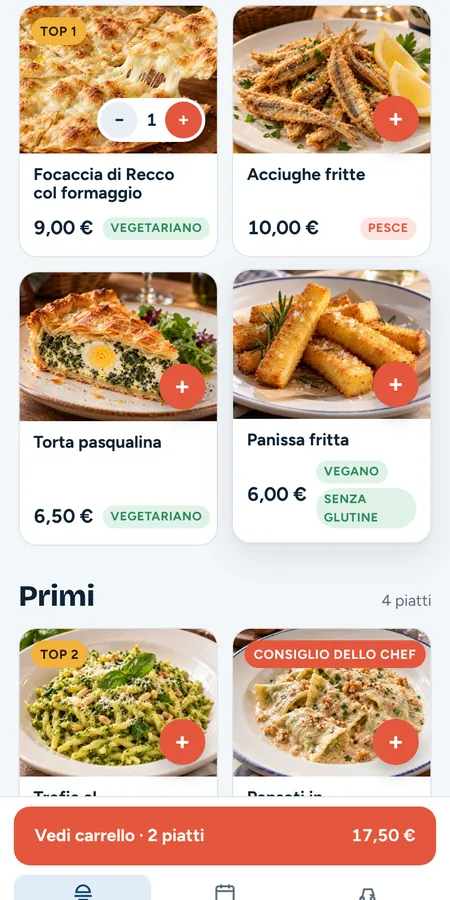
Menu with photos and allergens, cart, delivery or pickup, scheduled orders and table booking. Installs on the phone like an app.
Browser-based tools for computer, tablet and smartphone, designed around your business — to reduce repetitive tasks and centralise your information.
Requests arriving by email, phone and messaging apps, paper diaries, spreadsheets copied from one computer to another: information gets lost and every task takes longer than it should.
A web application brings these flows into a single tool, available online to the right people with the right permissions.
Real screenshots of our platforms and demos, on desktop and smartphone. All data shown is fictitious.
Menu with photos and allergens, cart, delivery or pickup, scheduled orders and table booking. Installs on the phone like an app.
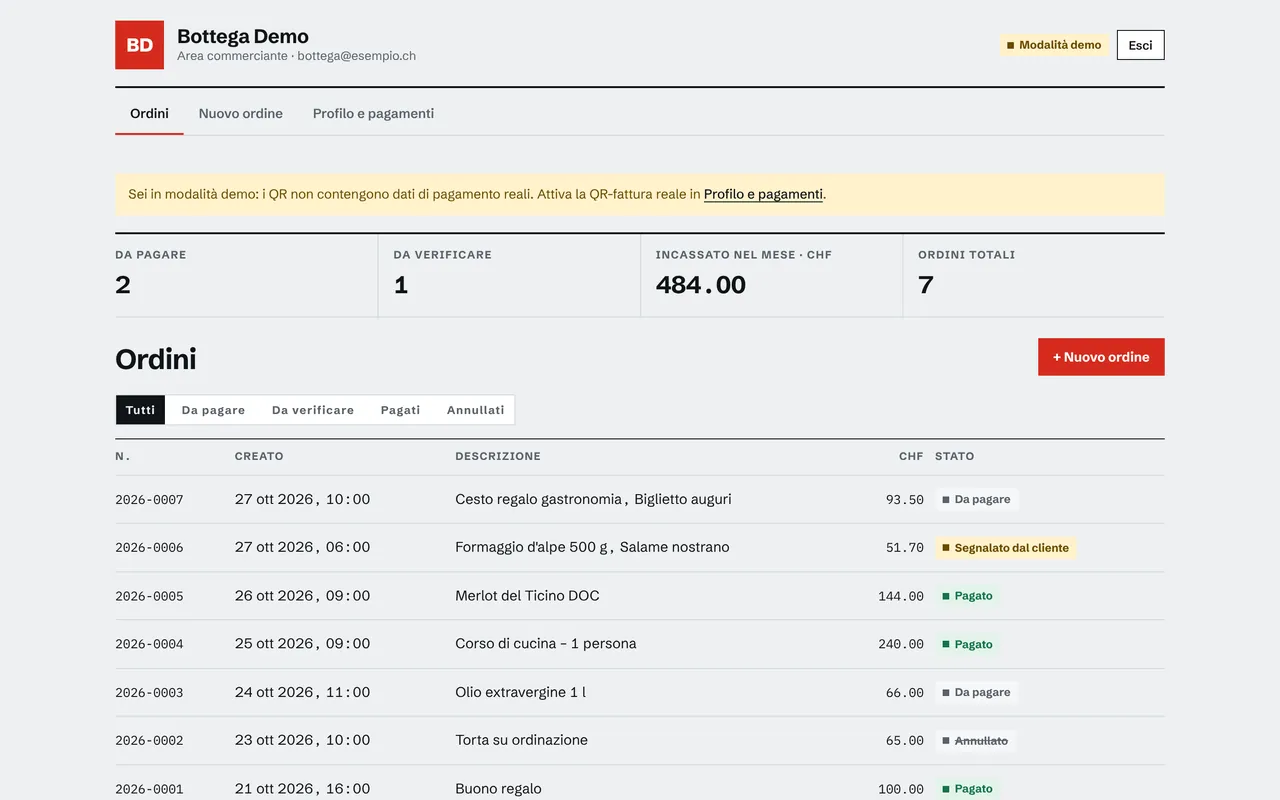
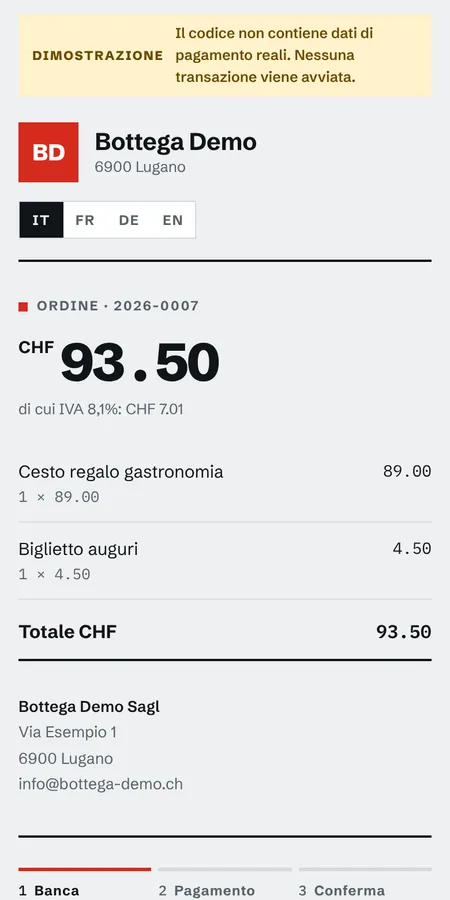
The merchant creates the order and sends the link; the customer pays from their banking app and the status updates in real time. In 4 languages.
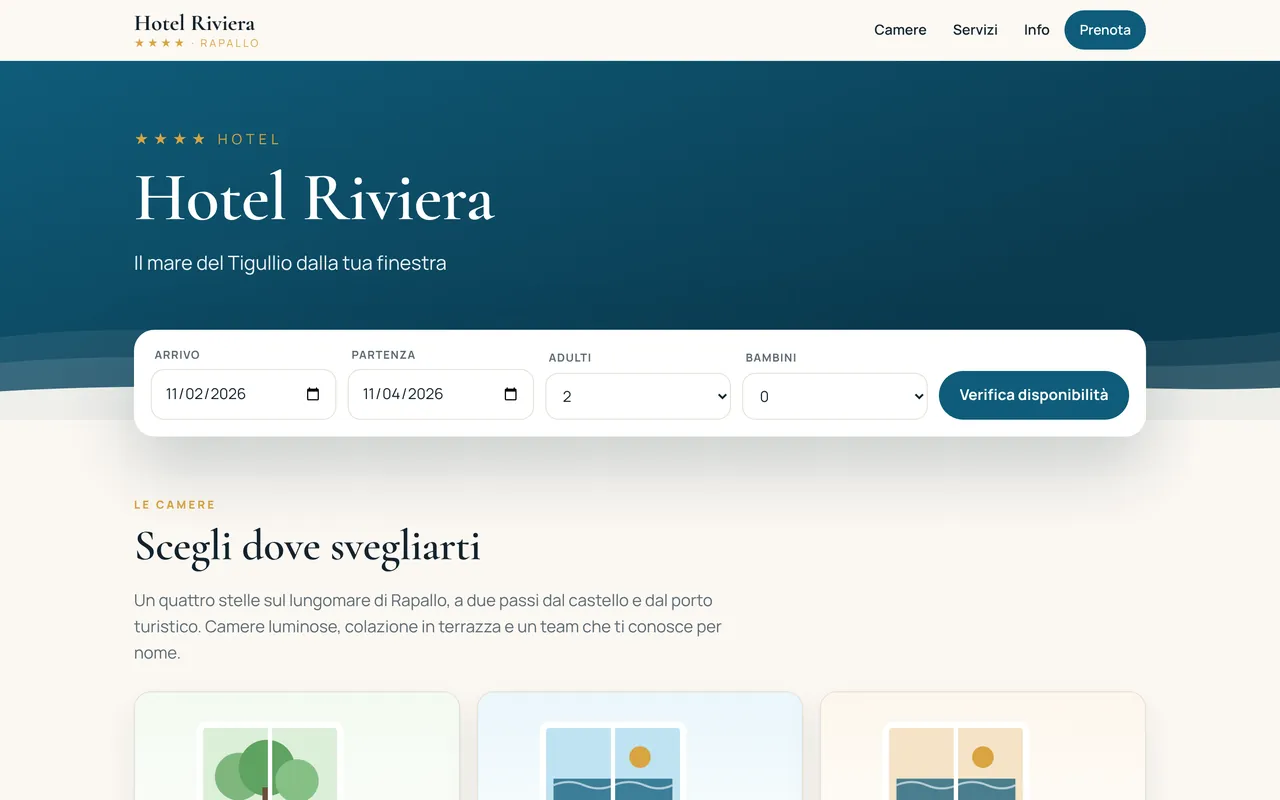
Rooms, real availability by room type and booking requests with no middleman, connected to the hotel’s management software.
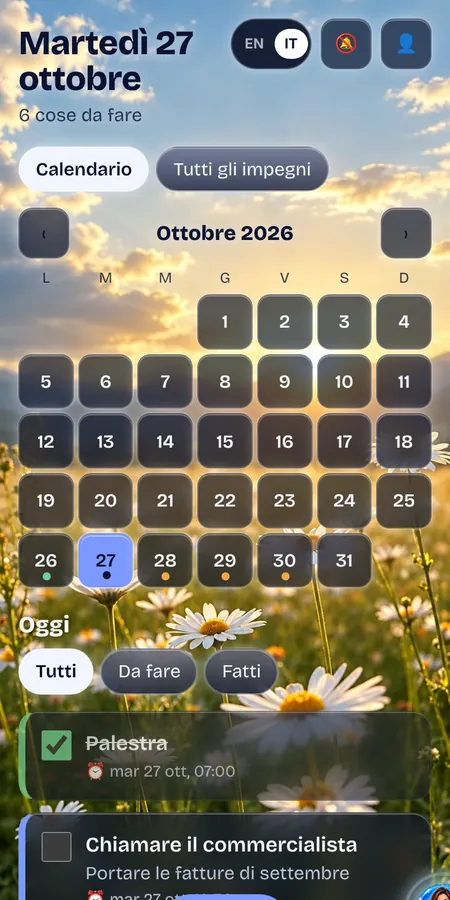
PWA in Italian and English with calendar, photo and audio attachments, phone alerts and an account area.
Screenshots taken from the working applications, with sample names, amounts and contacts. No real customer data.
Features are defined after analysing your needs. Here are the most frequently requested elements.
Login access for your team, clients or partners.
Everyone sees and edits only what concerns them.
Key indicators, filterable lists and exports.
Structured requests, validated and stored automatically.
Calendar, available slots, confirmations and reminders.
Alerts and automatic processing, where included in the project.
Connection to your data and, where relevant, to external services.
Home-screen icon and an experience close to a native app.
PDF generation, list exports and archiving.
The illustration shows a typical interface with sample data.
Step-by-step development, with a test version you approve before going live.
We listen to how you work, your constraints and what costs you time today.
Together we define the priority features, the users and the data to manage.
A clear quote: what is included, what is not, the schedule and the terms.
Mock-ups first, then development in stages with regular check-ins.
You test the solution in a dedicated environment before it goes live.
Deployment, data migration if planned, and onboarding of your team.
An annual contract to monitor, secure and evolve your solution.
With MBL WebApp subscriptions you start from $279/month, with hosting, maintenance and support included. Prefer a one-off investment? We’ll prepare a custom quote for an outright purchase.
With MBL WebApp subscriptions, hosting, updates, security and support are covered by the monthly fee, without paying the full investment up front.
Subscriptions from $279/month
Describe your needs: we will suggest a suitable approach and a detailed quote, with no obligation.